Airklc
Hand Grip Mouse with Laser Pointer
Hand Grip Mouse with Laser Pointer
Couldn't load pickup availability
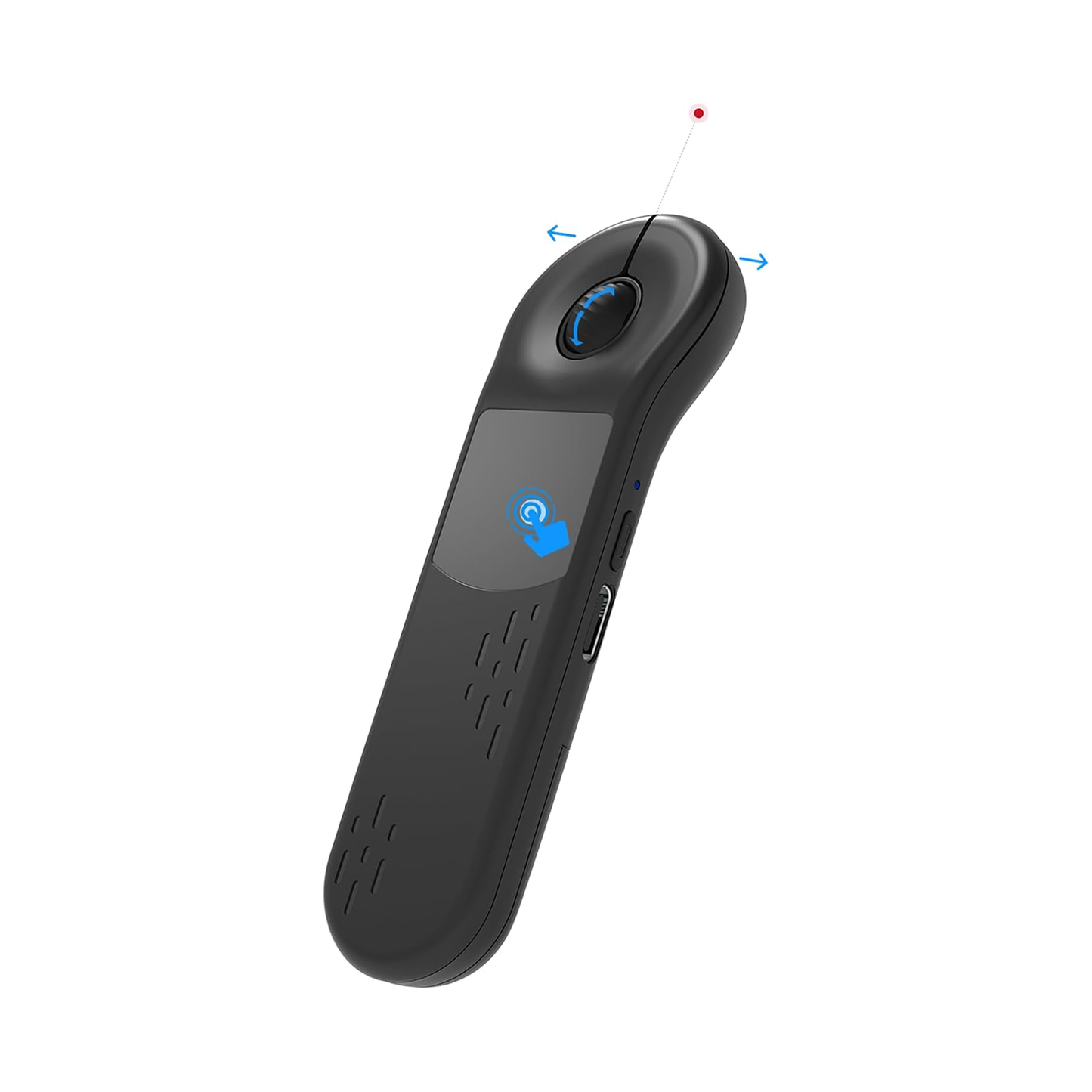
- Wireless Presentation This wireless presenter lets you navigate slides smoothly up to 10 meters away, perfect for PowerPoint and Google Slides
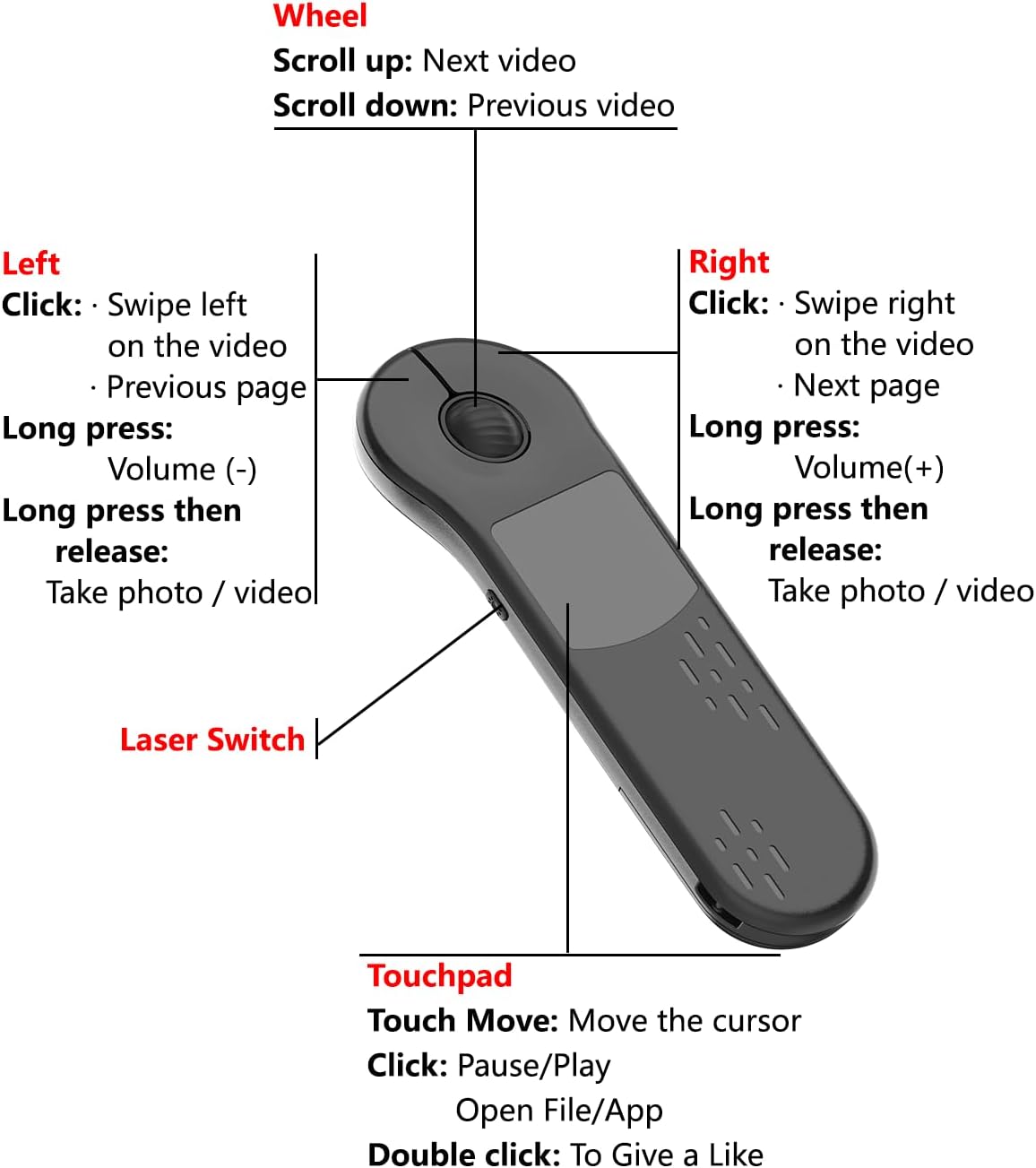
- Multiple Application Scenarios Dual-function design: professionally control slides while effortlessly switching to TikTok browsing, Kindle reading, or photo/video capture
- Ergonomic Design for Extended Use The featherlight 22.2-gram design combines anti-slip texture and detachable wrist strap to reduce fatigue, while its universal hand-fit design ensures comfort for all users
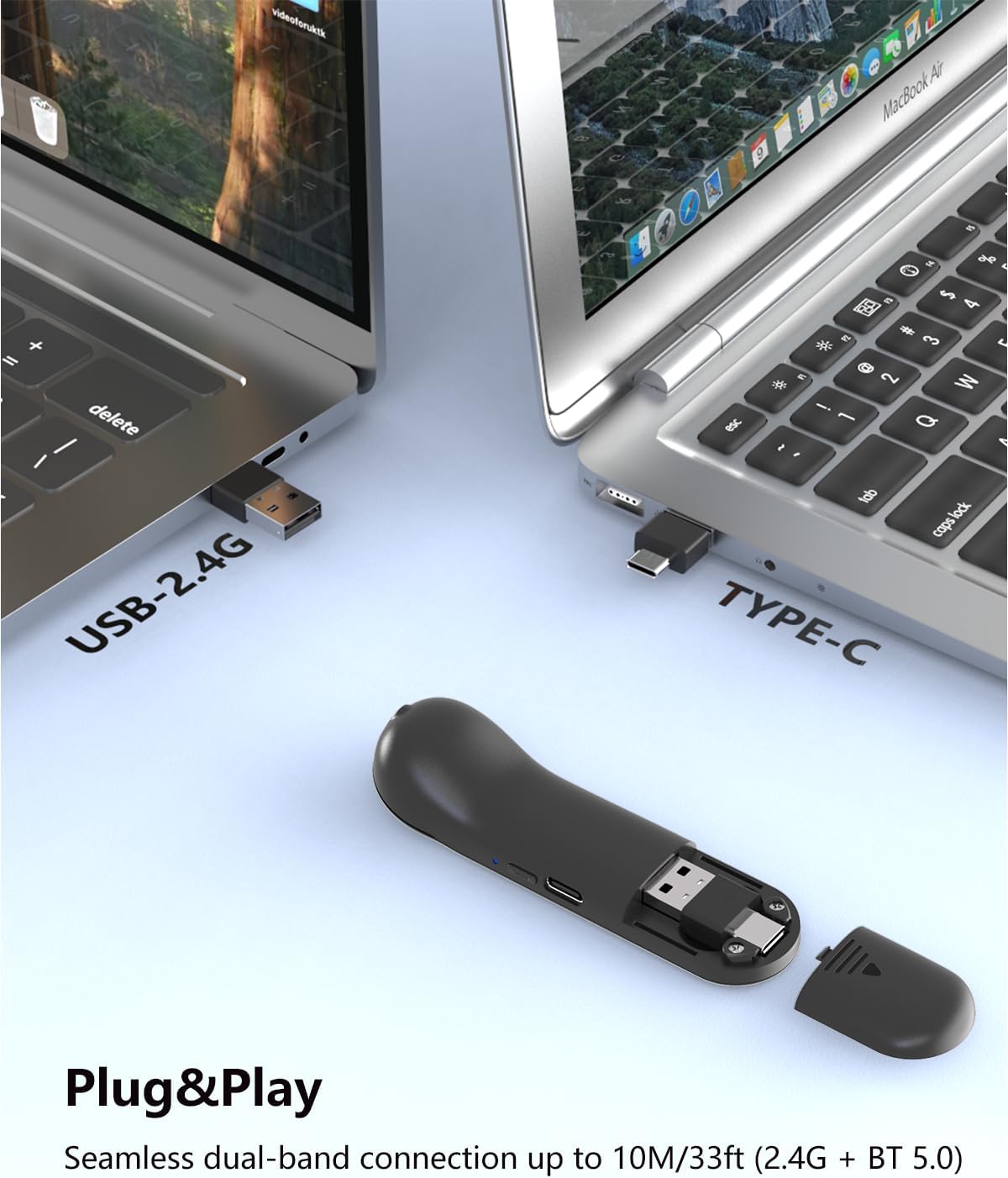
- High Compatibility Compatible with all your devices from iOS and Android phones to Windows, macOS, and tablets
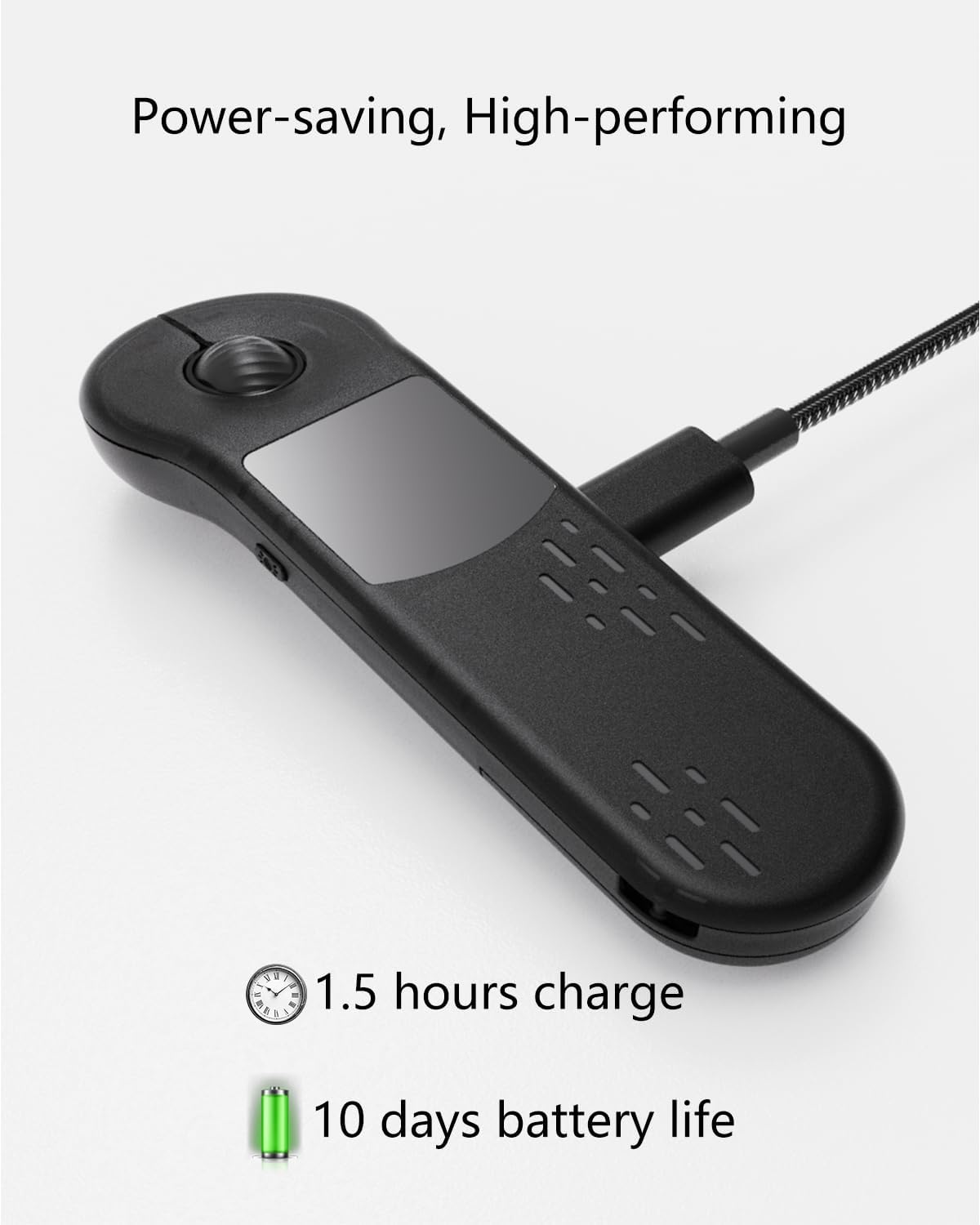
- Battery Life With a fast 90-minute charging time and a lifespan of 500+ charge cycles, this air mouse is built for long-term reliability
Works on MacOS, Windows, IOS, Android
Share
Grip, Touch, Point

AIRKLC
Hand Grip Mouse
Enhance Your Tech Setup with the Latest Hand Grip Mouse Technology.

airklc
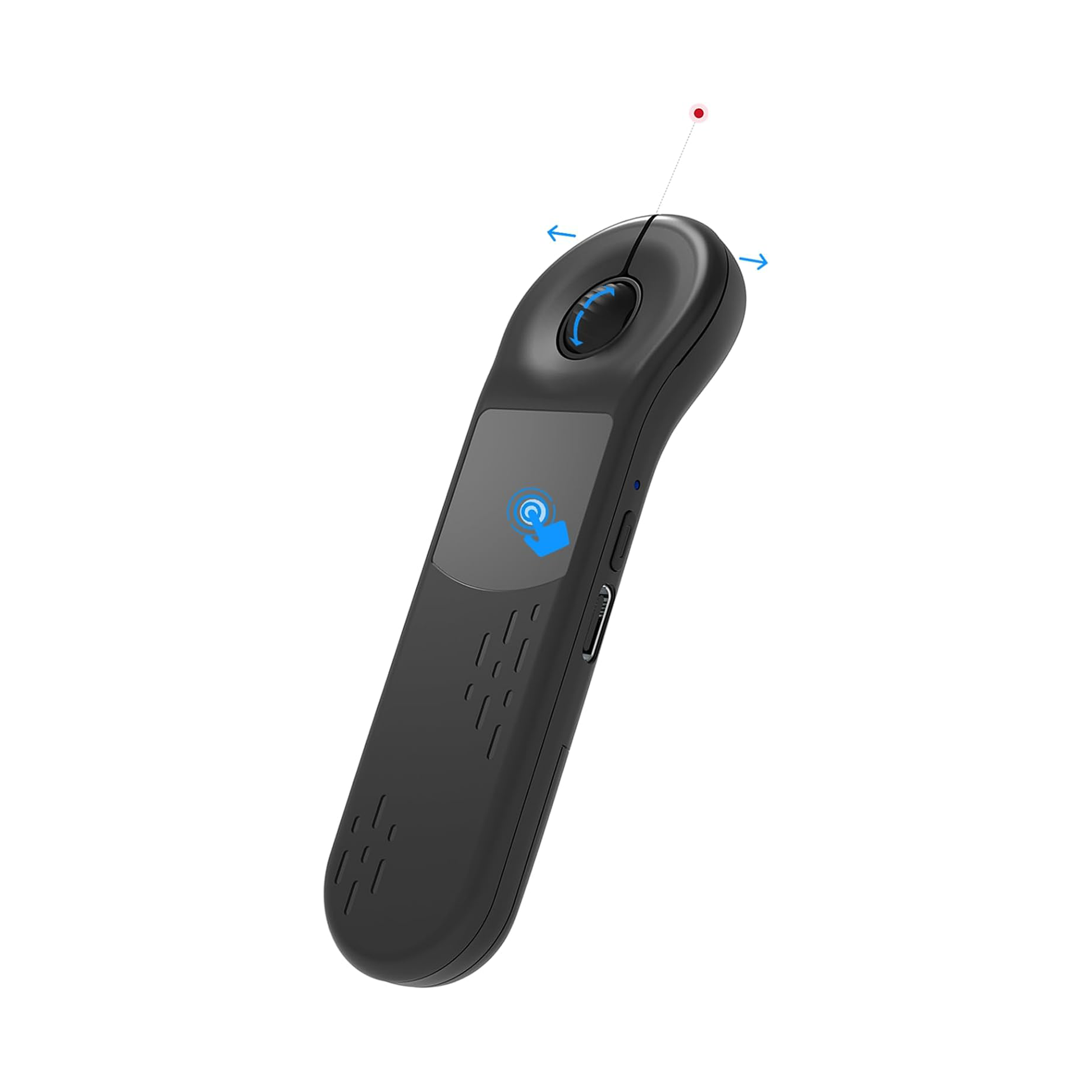
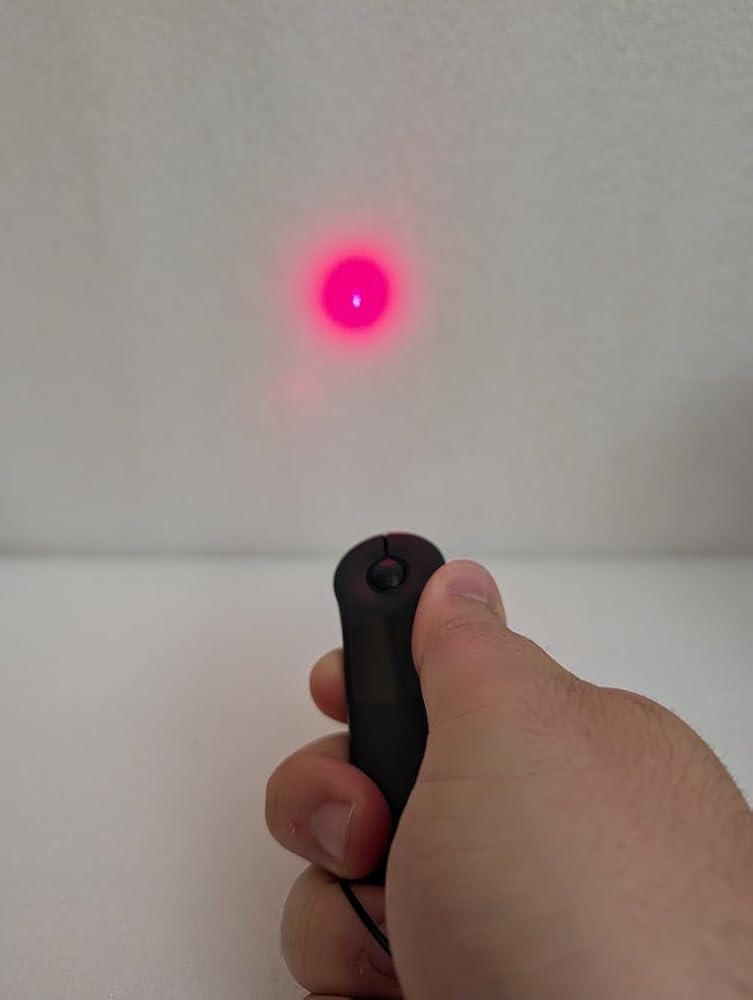
Laser Pointer Included
Experience Seamless Pointing with Cutting-Edge Laser Pointer

Airklc
All Compatible
Experience Seamless Compatibility with Airklc - Ideal for PC, MacBook, Mobile & More!
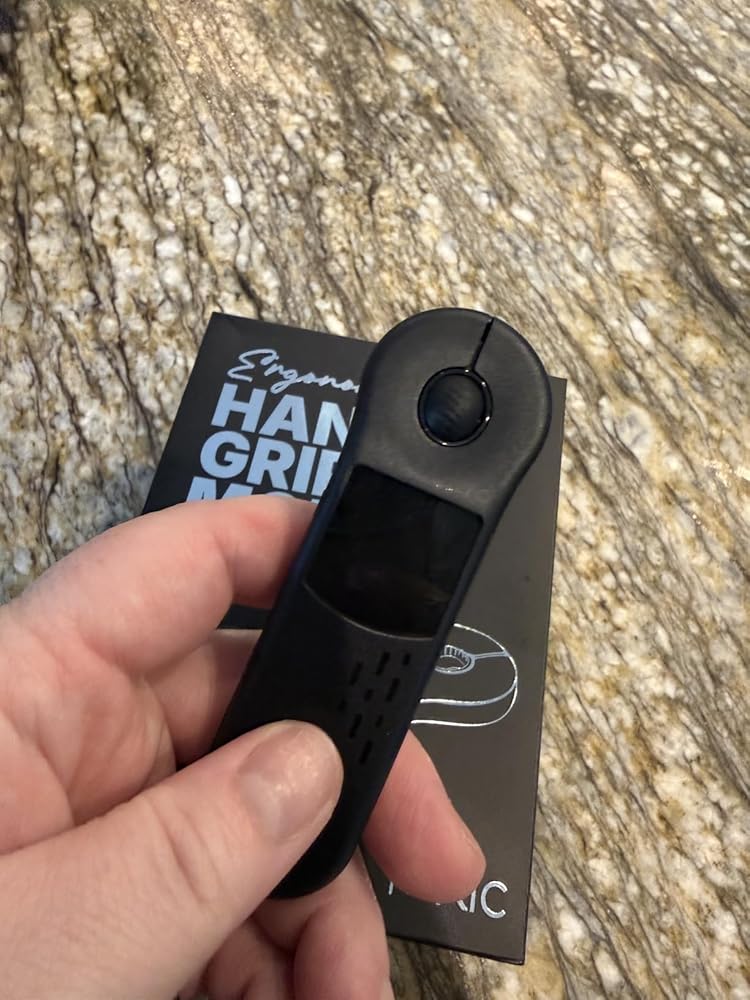
Smaller than expected, but that’s actually a plus for portability. The D13 Pro improves on the older version with a soft gel wrist pad, USB-C to A charging cable, storage pouch, and a USB A-C dongle for 2.4GHz connection that stores inside the unit. Bluetooth works fine, but the dongle gives smoother and more consistent control, especially on Android.Setup is simple, the touch surface tracks accurately, and the scroll wheel feels solid. It even includes a laser pointer for presentations. Build quality feels good, light yet sturdy, and it performs well for slides or media control.I use it mostly at my home-built PC TV center, and it works great for navigating from the couch. The only drawback is the lack of typing ability, so a small keyboard is still needed. Overall, compact, reliable, and ideal for presentations or quick media use. All in all its a good value for the money.
The AirKlc Hand Grip Mouse is a genuinely novel device that attempts to merge the functionality of an air mouse, a presentation pointer, and a media remote into one sleek package. Out of the box, the device has a truly professional look and feel—it’s lightweight, ambidextrous, and looks fantastic in a presentation setting. The added grip cushion and storage pouch are a thoughtful, welcome bundle, enhancing the overall perceived value. For quick presentation controls or simple media navigation (like flipping through TikToks or e-book pages), this mouse shines.However, the operational experience holds it back from a perfect score. While the ergonomic shape is comfortable enough to hold, the actual cursor control can feel clunky and unintuitive. It’s sometimes not easy to operate when precise movements are needed, requiring a learning curve and often leading to overshooting targets on the screen. Clicking pointer button is also clunky sometimes because of the button placement.One of the drawbacks is the Bluetooth stability. The connection is unfortunately not stable sometimes, resulting in intermittent delays or brief disconnects, which can be disruptive, particularly when you’re mid-presentation. This is the biggest factor preventing a full 5-star rating.Verdict: The AirKlc is an innovative and premium-looking presentation tool that works well for broad strokes and media control. If you need it primarily for presentations and media consumption and can tolerate occasional connection glitches (switching to using dongle only is an option) and the learning curve of its clunky movement, it’s a solid 4-star investment. For detailed or precise tasks, however, you may want to stick to a traditional mouse.


I was using a pointer-style bluetooth mouse before this and I like this trackpad a lot better. It didn't take long at all to get used to it, although it was a little weird to use at first. It's pretty small compared to what I was expecting -- it's a good thing for me, but if you have bigger hands, you might have trouble with it. I'll also note that that it's fallen off my bed onto a wood floor a few times now and still works perfectly so it's decent quality.
Ordered to evaluate and for general use. At first glance the most notable aspect of the product is that it is significantly smaller than depicted on manufacturers photos, which may prove to be an issue for those with big beefy hands or a boon for those desiring maximum portability. The other notable detail is that are two models of the unit; an older D13 (apparently discontinued, evaluated separately) and the newer D13 PRO, which is not disclosed on the product description.The kit includes a USB-C to A cable for charging (power block not included). It now features some functional quality improvements, the inclusion of a bonus Soft Gel Wrist Pad, storage pouch, and a USB A-C dongle for direct 2.4ghz connectivity that can be stored within the presenter (which the former D13 lacked). Unlike the former, the D13 Pro works properly with Android if used with the dongle — HOWEVER, if used via Bluetooth on Android the issue of clunky controls and confusing button functions persists, virtually unusable IMO. Therefore for consistent controls across devices it is best to just use the included dongle. ( I do not own any Apple products so I could not test IOS compatibility).That aside, the plug & play 2.4ghz dongle and Bluetooth connection work identically fine in Windows 11. The left/right buttons and middle scroll wheel work exactly as every other mouse. The touchpad is notably more responsive and easier to use. The push button laser pointer feature works identical to the prior model, bright and visible. Overall it is an okay pointer at an okay MSRP and a superior unit compared to its faulty predecessor model.


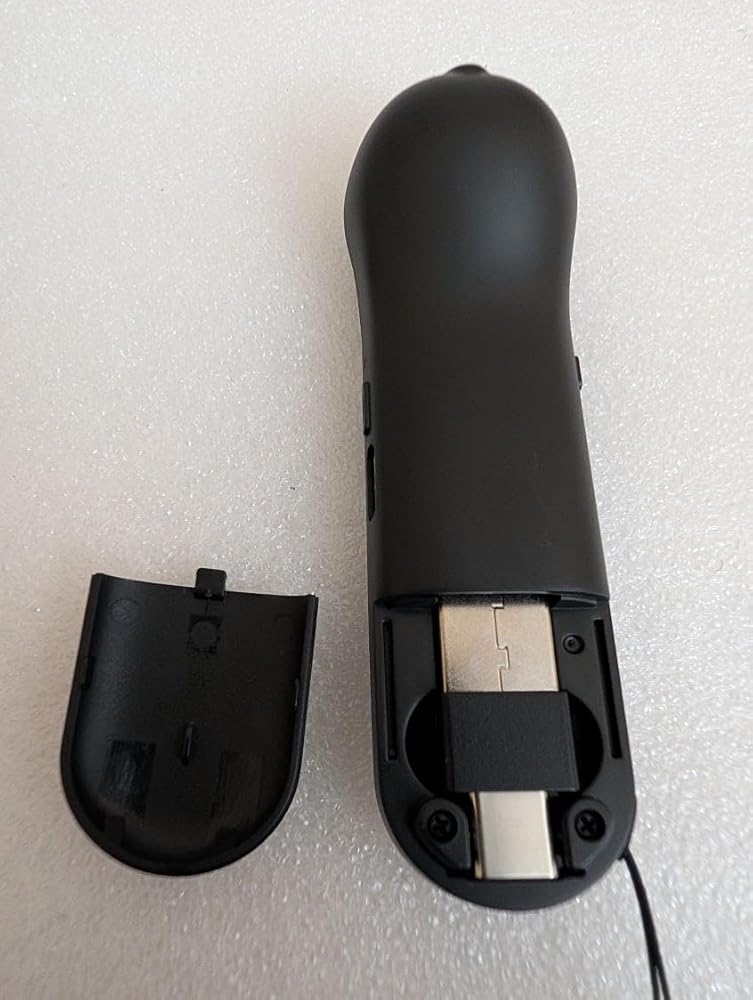
Keep in mind that this mouse is definitely not designed for every day use, it is really designed for giving presentations. It is super easy to set up via Bluetooth (it does come with an adapter that fits inside the mouse on the back, but I never used it since the Bluetooth worked great. The “screen” on the front registers your thumb motion to move your cursor and you can easily tap to select; there’s also a scroll wheel at the top that you can also use/ click. Overall I am very impressed with the design and the size (super easy to pack for on-the-go work presentations!) and it’s a good value for how useful it is. It also came with a silicon wrist rest which is also nice, but honestly a little confusing since I can’t imagine using this mouse for everyday use. However, my daughter was thrilled with the wrist rest, so it definitely didn’t go to waste. I would have preferred a nylon carrying bag for the mouse instead of a velvet one (which catches every fuzzy), but I’m still very pleased with it.